
Start Live Commerce With A Smartphone: The New Business Model

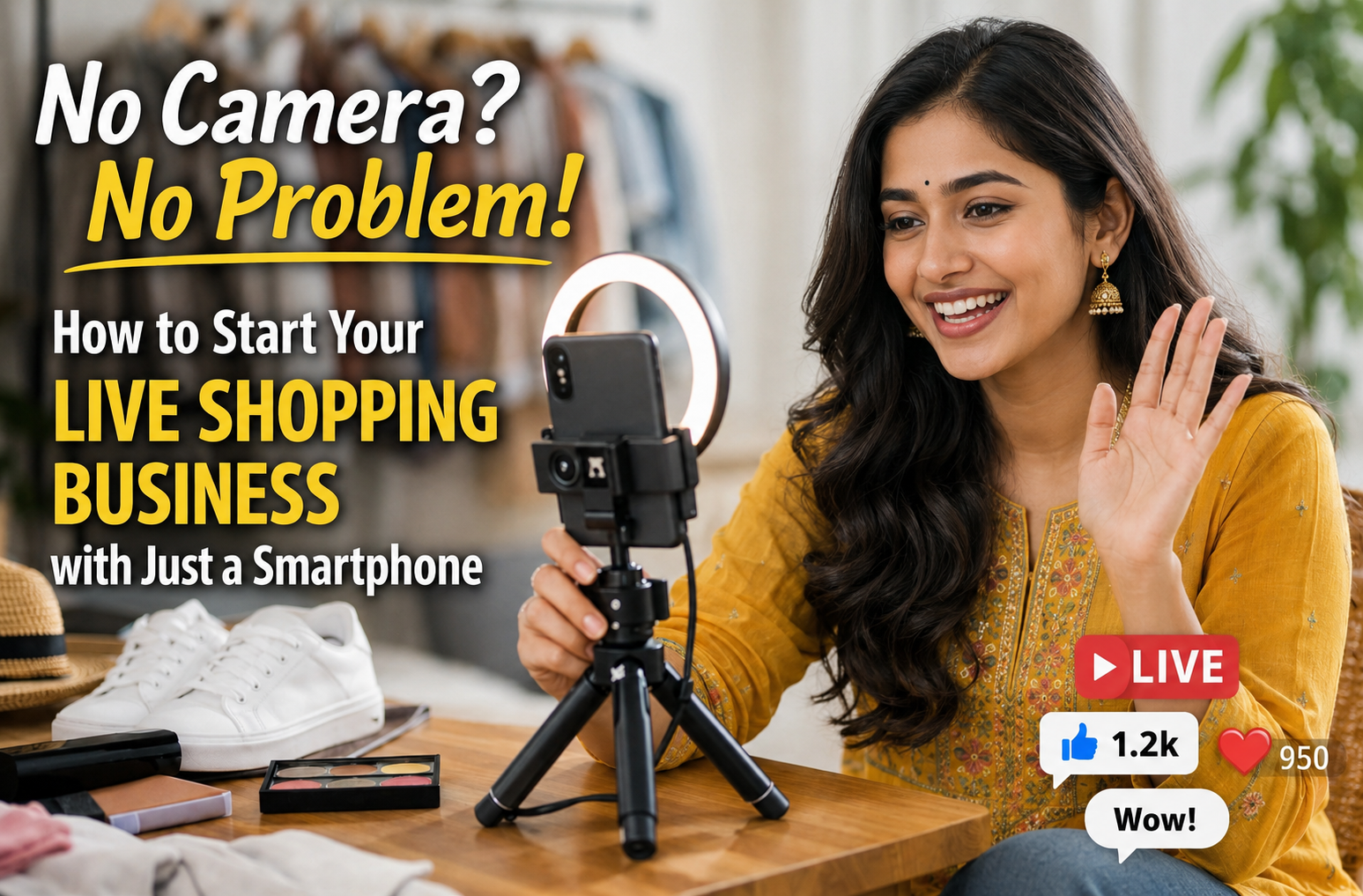
Expensive cameras and studios are not required for live commerce. You can start live shopping using only your smartphone.
This works well for Indian sellers of ethnic wear, jewellery, and home decor. Your phone can handle video, comments, and basic order flow in one place.
If you do social selling on Facebook, YouTube, or Instagram, your goal is reach. You can also live stream to multiple platforms using one device with the right live selling app and live selling tools.
Why does your Video not look 'Professional' on a Phone?
You may be comparing your stream to studio videos. Live selling is different. In live shopping, buyers want real lighting, real fabric movement, and real product shine. Your phone camera is usually enough for this.
Check these basics before you blame the camera:
- Use the rear camera for sharper details on embroidery and stones.
- Clean the lens before you go live.
- Lock focus on the product for a few seconds before you start talking.
- Use natural light near a window to show true colour.
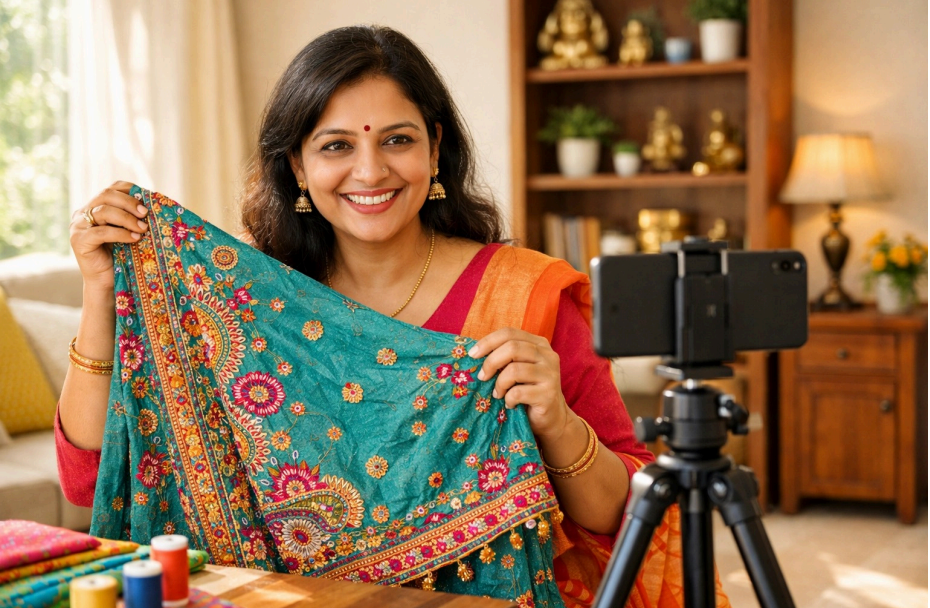
How do you Set up a Phone-only Live Selling Studio?
You do not need a rented room. You need stable light, stable framing, and a clean background for social selling.
Set your light
- Stand facing a window in daytime.
- Also use a small ring light at night if needed.
- Avoid a bright light behind you because it may darken your face and products.
Stabilize your phone
- Use a basic tripod, or keep the phone against a stable object.
- Keep the camera at eye level.
- Do not hand-hold the phone during product close-ups.
Use the rear camera
- Use the back camera for product detail, at times when a zoomed in view is needed.
How do you Livestream to Multiple Platforms from One Phone?
If you go live on only one platform, you limit reach. Use multistreaming to broadcast once and sell everywhere.
With Zoop Live, you can:
- Stream to Facebook and YouTube at same time.
- Go live on Facebook and Instagram at the same time.
- Run Instagram live shopping style demos while also reaching your Facebook and YouTube audience.
This is a single-phone setup. You connect your accounts, tap go live, and your stream runs across platforms. This is a practical way to scale live commerce and social selling without extra devices.
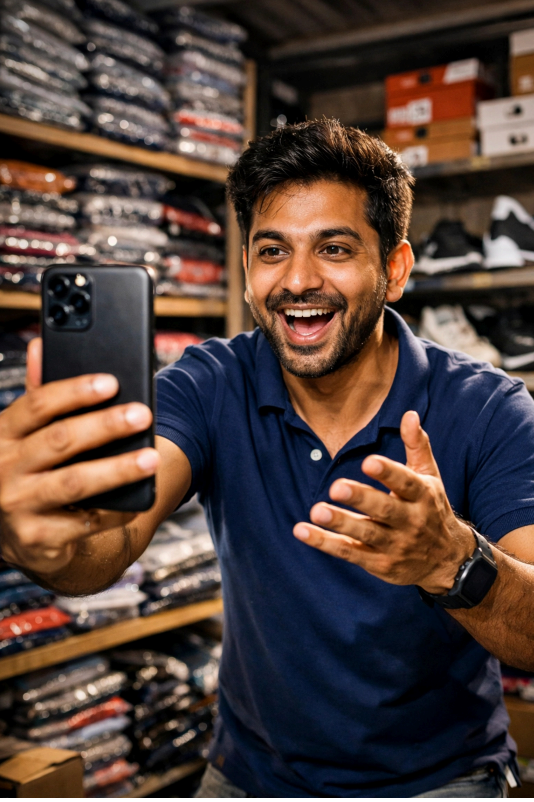
Technical Requirements for your Smartphone:
You don't need the latest iPhone to start. However, there are a few simple things you should check on your device to ensure a smooth experience for your customers.
a) Check your Internet Speed - A stable connection is more important than a fancy camera. Make sure you have a strong Wi-Fi signal or a 5G/4G connection with at least 10 Mbps upload speed. If your internet is slow, your video will look blurry, even if your camera is great.
b) Manage your Battery - Streaming uses a lot of power. Always keep your phone plugged into a charger or a power bank during your live session. You don't want your phone to shut down just as you are about to close a big sale!
c) Clear your Storage - Make sure you have some free space on your phone so the app runs smoothly without lagging. A quick restart of your phone before going live can also help clear out background apps and keep things fast.
How to Prepare for your First Livestream?
Starting your first live show can be nervous, but remember, your customers are looking for a real connection, not a perfect program.
a) Practice your Pitch - Hold your phone and record a two-minute video of yourself talking about a product. Watch it back. Are you holding the product close enough to the lens? Is your voice clear? This 'mock run' will give you the confidence you need.
b) Organise your Space - Have all your items within arm's reach. If you are selling jewellery, have the boxes open and ready. If you are selling suits, have them draped or hung where they are easy to grab. You want to stay in the frame as much as possible to keep the energy high.
c) Talk to the Camera - It is natural to look at your own face on the screen, but try to look at the small camera hole at the top of your phone. This makes your viewers feel like you are looking them in the eye, which builds trust and makes them more likely to buy.
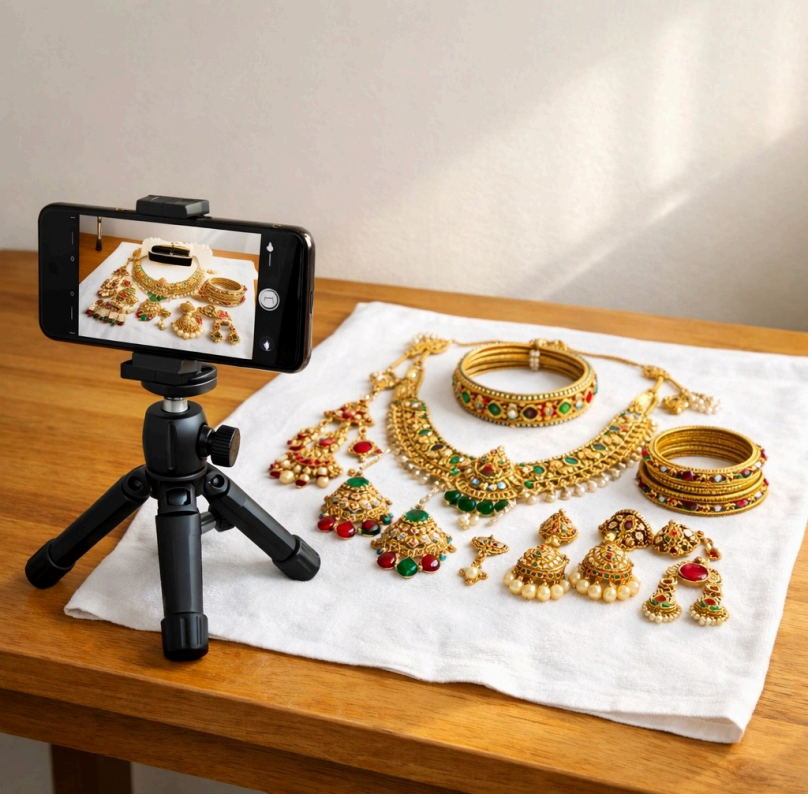
What to do to start Live Commerce from your Phone?
Use a simple checklist. Keep it repeatable. Improve later.
- Install a live selling app that supports Multi-streaming
- Connect Facebook, YouTube, and Instagram
- Do one test stream to check audio, light, and framing
- Go live for 10–15 minutes with 5 products
- Share your store link for faster checkout
Zoop Live keeps this workflow simple with live selling tools like crossposting and catalog automation, plus a free e-commerce website.
Your business is waiting to start. All you have to do is press "Go Live." Contact Zoop Live today, and begin your journey!